
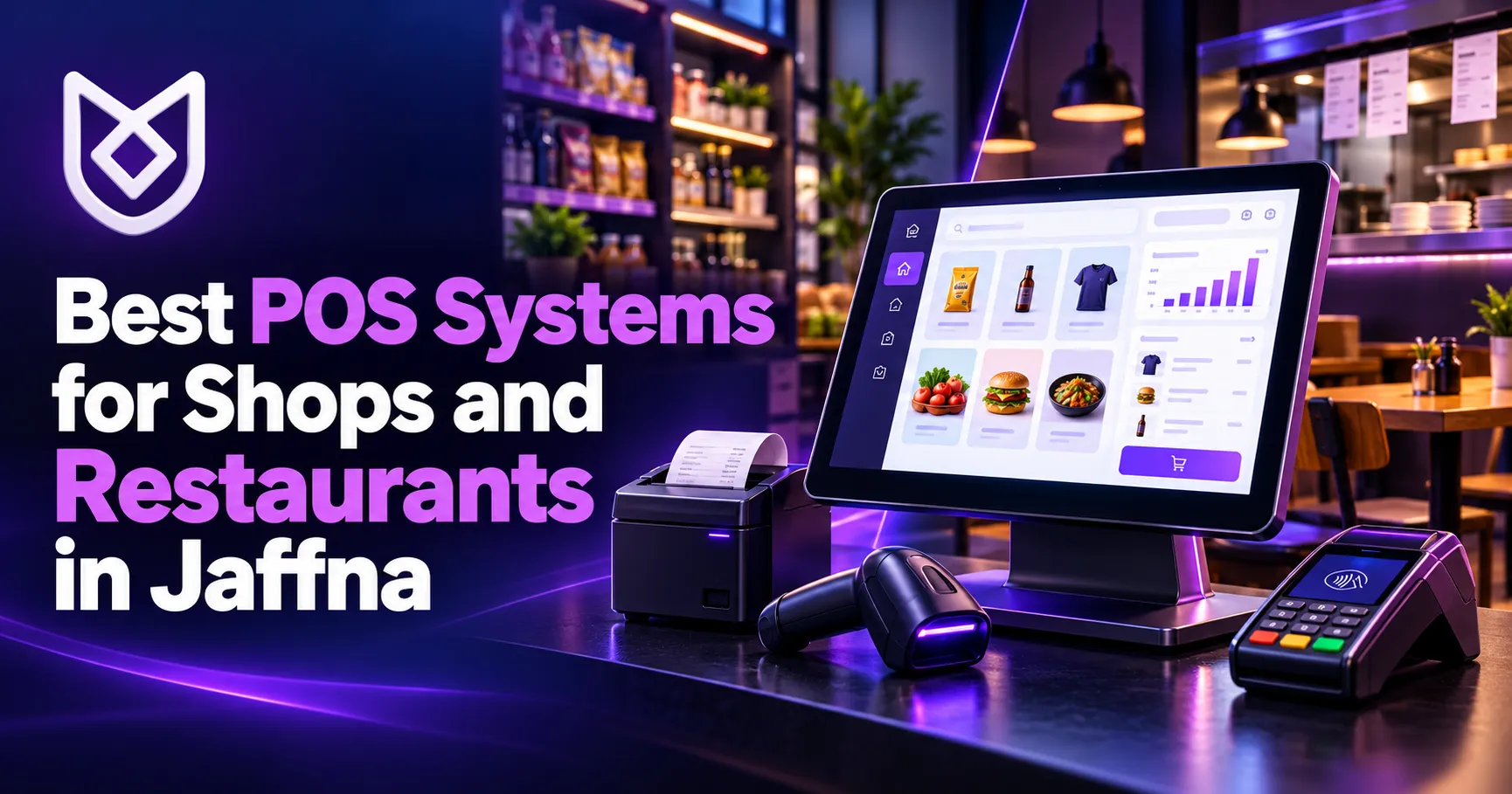
Choosing one of the best POS systems for shops and restaurants in Jaffna can make daily business management faster, easier and more accurate. A modern Point of Sale system does much more than print bills. It can manage products, track inventory, record sales, organize restaurant orders and give business owners a clear view of their performance.
Many local businesses still rely on handwritten bills, calculators or separate spreadsheets. These methods may work when a business is small, but problems often appear as sales increase. Stock becomes difficult to monitor, reports take longer to prepare and human errors begin to affect profit.
The right POS solution connects these everyday tasks in one reliable system. However, every shop and restaurant has different requirements. The best option is not always the most expensive one. It is the system that fits your workflow, staff, budget and plans for growth.
What Is a POS System?
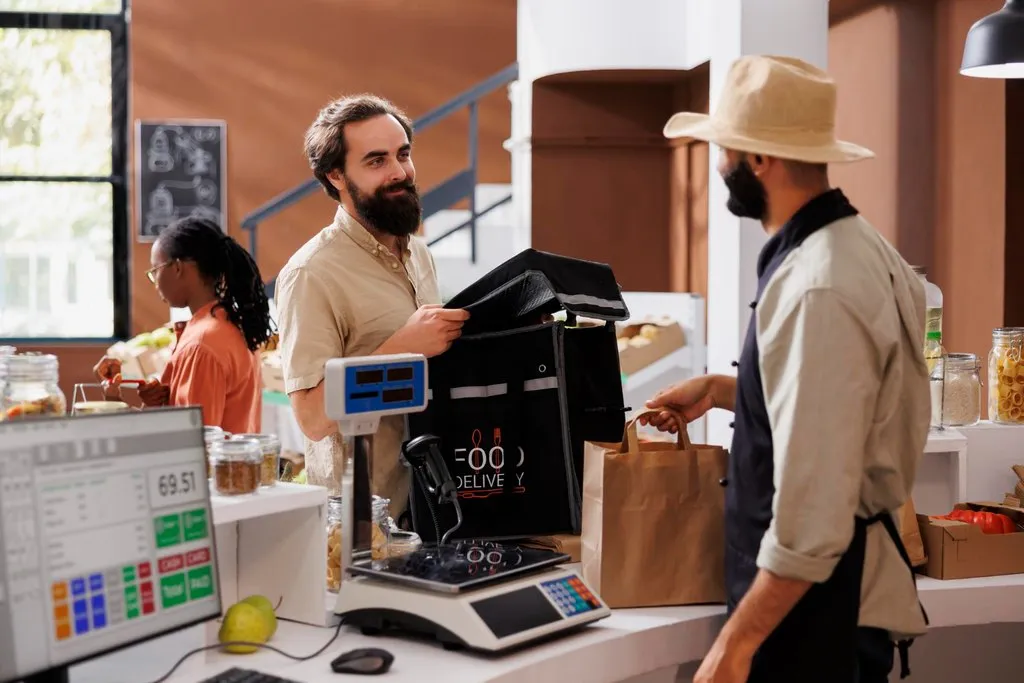
A POS system is the combination of software and equipment used to complete sales. Depending on the business, it may include a desktop computer, touchscreen, tablet, barcode scanner, receipt printer, cash drawer and card terminal.
The software records transactions and can connect them to inventory, customer details and financial reports. In a restaurant, it may also send orders to the kitchen, manage tables and separate bills.
A good POS system can help you:
- Create accurate bills quickly
- Monitor stock levels
- Record cash and digital payments
- Manage products and prices
- Track daily, weekly and monthly sales
- Control staff access
- Identify popular and slow-moving products
- Store customer information
- Generate useful business reports
These features reduce repetitive work while giving the owner better control over the business.
Best POS Systems for Shops and Restaurants in Jaffna: Main Types
POS solutions are available in several forms. Understanding the differences will help you select the most suitable system.
Retail POS Systems for Shops
A retail POS system is designed for supermarkets, grocery shops, fashion stores, pharmacies, hardware stores, electronic shops and other product-based businesses.
Important retail features include barcode billing, product variations, stock alerts, supplier records and purchase management. If a business has more than one branch, the owner may also need centralized stock and sales reports.
For example, a clothing shop might need colour and size variations, while a supermarket may require fast barcode scanning and support for thousands of products. A hardware business may need different units of measurement and detailed supplier records.
Restaurant POS Systems
Restaurants, cafés, bakeries and takeaway businesses have different operational needs. Their POS systems should support table management, kitchen orders, takeaway sales, delivery orders and split billing.
A practical restaurant system may include:
- Table and seating management
- Kitchen order tickets
- Dine-in, takeaway and delivery options
- Menu categories and add-ons
- Recipe or ingredient tracking
- Split and combined bills
- Discounts and service charges
- Waiter accounts
- Daily sales summaries
The system should remain easy to use during busy hours. Complicated screens or slow billing can frustrate employees and customers.
Cloud-Based POS Systems
A cloud POS stores business data on remote servers and allows authorized users to access reports through the internet. This is useful for owners who want to monitor their businesses from home, another branch or while travelling.
Cloud systems can also simplify backups and software updates. However, they depend heavily on a stable internet connection unless an offline billing mode is available.
Before choosing one, ask what happens when the connection fails. A reliable system should explain whether staff can continue billing and how the data will synchronize later.
On-Premise and Hybrid POS Systems
An on-premise POS stores its main database on a computer or local server at the business. It may continue working without the internet, but the owner is responsible for backups, maintenance and device security.
A hybrid system combines local operation with cloud synchronization. It can offer the reliability of offline billing together with remote reporting and secure online backups.
For many Jaffna businesses, a hybrid approach can be practical because it reduces the impact of temporary internet interruptions.
Essential Features of the Best POS Systems for Shops and Restaurants in Jaffna
Do not select a system only because its interface looks attractive. Review the features that will affect your daily operations.
Fast and Simple Billing
Employees should be able to find products, calculate totals and complete transactions without unnecessary steps. The system should also make it easy to handle discounts, returns and different payment methods.
A short training session should be enough for a new employee to understand the main functions.
Inventory Management
Effective inventory management shows which products are available, which items are selling and which products need to be reordered.
Useful inventory features include:
- Real-time stock updates
- Low-stock notifications
- Purchase and supplier records
- Stock adjustment history
- Damaged or expired item records
- Branch-to-branch transfers
- Product profit reports
Restaurants may need ingredient-level tracking, while shops usually require product-level stock management.
Sales and Profit Reports
A POS system should turn transaction data into reports that are easy to understand. Owners should be able to view sales by product, category, employee, payment method and date.
These reports can answer important questions. Which products make the most profit? What is the busiest time of day? Are discounts reducing margins? Is one branch performing better than another?
Reports do not make business decisions for you, but they provide the information needed to make better decisions.
User Roles and Staff Management
Not every employee should have access to every feature. A cashier may need permission to create bills, while a manager may need access to reports, price changes and stock adjustments.
Role-based access helps protect sensitive business information. The system should also record important actions so the owner can review changes, refunds and cancelled transactions.
Data Backup and Security
Sales, product and customer records are valuable business data. The POS system should provide regular backups and a clear recovery process.
Use strong passwords, avoid shared administrator accounts and install software updates when they become available. If the system processes payment-card information, discuss security responsibilities with the software provider, bank and payment service provider.
The PCI Security Standards Council’s small-merchant resources explain common payment risks and practical steps businesses can take to protect card information.
Customer and Loyalty Management
Some POS solutions can save customer names, contact information, purchase history, loyalty points and credit balances. These features may help businesses reward regular customers and create more relevant promotions.
Customer information must be collected responsibly. Give access only to authorized employees and avoid collecting information that the business does not need.
How Much Does a POS System Cost in Jaffna?
POS pricing depends on the business type, number of users, branches, hardware and custom features. A simple billing system for a small shop usually costs less than a multi-branch restaurant system with kitchen displays, ingredient tracking and online ordering.
Possible expenses include:
- Software purchase or setup fee
- Monthly or annual subscription
- Computer or touchscreen
- Receipt printer
- Barcode scanner
- Cash drawer
- Customer display
- Staff training
- Data entry or product import
- Installation and configuration
- Maintenance and technical support
Ask for a written quotation that clearly explains what is included. Also confirm whether software updates, backups and support are part of the initial price or charged separately.
The cheapest solution can become costly if it lacks important features or reliable assistance. Compare the total value rather than focusing only on the starting price.
How to Choose the Right POS System
Before requesting demonstrations, write down how your business currently operates. Consider the number of products, billing counters, employees and branches.
Then ask each POS provider:
- Can the system work without the internet?
- Is it suitable for my exact business type?
- Can I add more users or branches later?
- How are backups created and restored?
- Can existing product data be imported?
- What reports are included?
- Does it support barcode and receipt printers?
- Can access be limited according to employee roles?
- Is staff training included?
- What technical support is available after installation?
- Can the system be customized?
- Can I export my business data?
Request a live demonstration using examples from your own business. A realistic test is more useful than a general sales presentation.
Connecting Your POS with Other Business Systems
A POS becomes more valuable when it works with other tools. Depending on your requirements, it may connect with accounting software, an e-commerce website, online ordering, customer management or branch reporting.
For example, connecting a physical shop with an online store can help reduce stock differences between the two sales channels. Restaurant owners may want website orders to reach the kitchen without manual re-entry.
Businesses planning online sales can read our e-commerce website development guide to understand the wider requirements of an online store.
Custom integrations should be planned carefully. Confirm how data moves between systems, who is responsible for errors and whether the connection can be maintained when either platform is updated.
POS Receipts, Invoices and Sri Lankan Business Requirements
Your POS should produce documents suitable for your business and customer requirements. Receipts may need product descriptions, quantities, prices, discounts, payment details and business information.
VAT-registered businesses should confirm their current invoice and record-keeping obligations with a qualified accountant or the Sri Lanka Inland Revenue Department. Tax requirements may change, so businesses should not rely only on default POS templates.
Ask your provider whether invoice layouts, tax settings and report formats can be configured to suit your business.
Why Local POS Technical Support Matters
Even a well-designed system may occasionally require help. A printer may disconnect, a product file may fail to import or a staff member may accidentally change a setting.
Local technical support can be valuable because the provider understands the business environment and can communicate directly with your team. Before purchasing, ask about response times, remote assistance, on-site visits and support charges.
Regular maintenance should include backups, software updates, equipment checks and user-access reviews. If your business also needs ongoing website assistance, explore our website maintenance and technical support services.
Get a Customized POS Solution from Unix Designs
The best POS systems for shops and restaurants in Jaffna are the ones built around real business needs. A shop may prioritize barcode billing and inventory control, while a restaurant may need table management, kitchen orders and delivery tracking.
Unix Designs provides practical digital solutions for businesses in Jaffna and across Sri Lanka. We can discuss your workflow, required equipment, reporting needs and future growth before recommending a suitable approach.
Whether you need a simple billing system or a customized POS solution with inventory, employee access, customer management and detailed reports, the project should begin with a clear understanding of your operations.
Visit the Unix Designs services page to explore our digital solutions. When you are ready, contact Unix Designs to request a consultation and customized quotation.