
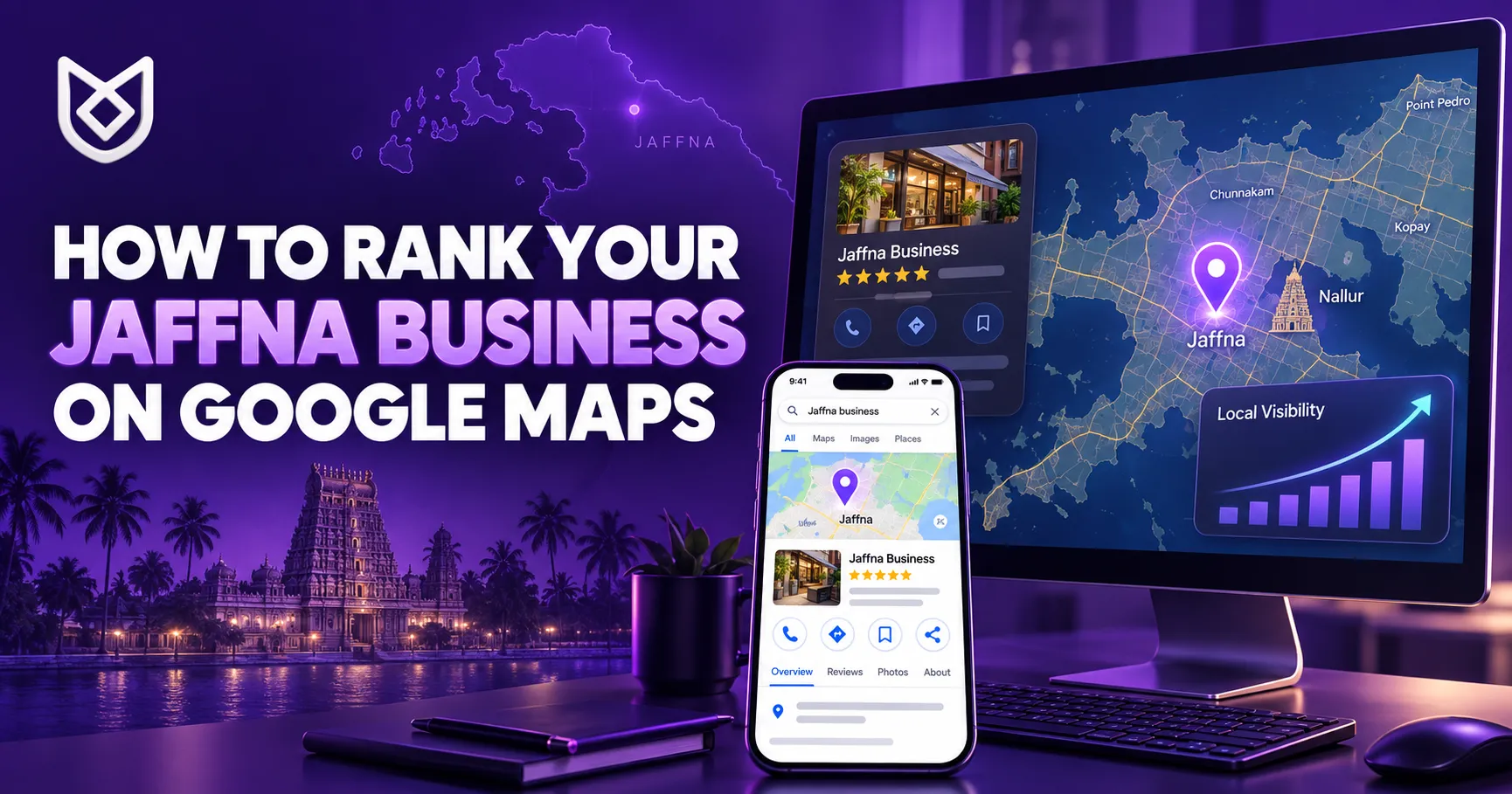
If you want to rank your Jaffna business on Google Maps, simply creating a Google Business Profile is not enough. Your profile must contain accurate information, relevant services, genuine reviews, quality photographs, and clear signals connecting your business with Jaffna.
When someone searches for “restaurant in Jaffna,” “construction company near me,” “web designer in Jaffna,” or “car rental Jaffna,” Google may display several local businesses above the standard search results. This section is commonly called the Google Map Pack.
Appearing here can generate more phone calls, website visits, direction requests, bookings, and walk-in customers. More importantly, people conducting local searches are often ready to contact or visit a business.
This guide explains practical steps you can use to improve your Google Maps visibility and attract more local customers.
Why Google Maps Ranking Matters for Jaffna Businesses
The way customers find local businesses has changed. People no longer depend entirely on recommendations, printed advertisements, or roadside signs. They search online before deciding where to eat, shop, stay, repair a vehicle, hire a contractor, or obtain a professional service.
An optimized Google Business Profile allows customers to quickly find:
- Your business name
- Location or service area
- Contact number
- Opening hours
- Website address
- Products and services
- Customer reviews
- Photos and videos
- Directions to your location
Google Maps SEO can be especially valuable for restaurants, hotels, travel companies, construction businesses, tuition centres, medical services, property agents, salons, shops, repair centres, and other businesses serving customers in Jaffna.
How Does Google Rank Local Businesses?
According to Google’s official local ranking guidance, local results are mainly determined by relevance, distance, and prominence.
Relevance refers to how well your profile matches what a person is searching for. If someone searches for a wedding photographer in Jaffna, Google looks for profiles that clearly represent that service.
Distance considers how close each business is to the searcher or the location included in the search. You cannot control where every customer is located, but you can provide an accurate address and service area.
Prominence refers to how well-known and trusted a business appears. Customer reviews, ratings, website links, online mentions, and overall reputation can contribute to prominence.
There is no legitimate way to pay Google for a better organic Maps ranking. Sustainable results come from improving the accuracy, relevance, and trustworthiness of your online presence.
1. Create and Verify Your Google Business Profile
The first step to rank your Jaffna business on Google Maps is to create or claim your Google Business Profile.
Use your genuine business name exactly as it appears on your storefront, website, invoices, stationery, and social media profiles. Do not add promotional phrases such as “best,” “cheap,” or “No. 1” unless they are genuinely part of your recognized business name.
For example, if your real business name is “ABC Construction,” do not change it to “ABC Construction – Best House Builders in Jaffna” just to include more keywords. This practice can violate Google’s guidelines and put your profile at risk of suspension.
Complete the verification process using the method Google provides. Depending on the business, verification may be available through video, phone, email, postcard, or another approved option.
2. Complete Every Important Profile Section
Google needs complete information to understand your business and connect it with relevant searches. Customers also need accurate information before they can contact or visit you.
Complete the following areas:
- Business name
- Primary business category
- Additional relevant categories
- Physical address or service area
- Local contact number
- Website address
- Regular opening hours
- Special and holiday hours
- Business description
- Services or products
- Appointment or booking link
- Business attributes
Check your profile regularly. Update it immediately when your phone number, location, opening hours, website, or services change.
Incomplete or outdated information can confuse potential customers and reduce their confidence in your business.
3. Select the Most Accurate Business Categories
The primary category is one of the most important parts of your Google Business Profile. It explains what your business mainly does.
Choose the most specific category that accurately describes the business. A building contractor may select “Construction Company,” while a website provider may select “Website Designer.”
You can add secondary categories when they represent genuine services. However, adding many unrelated categories will not improve your ranking.
Google recommends choosing as few categories as necessary to describe your core business. Categories should describe what your business is, rather than every product or service it happens to provide.
Read the official Google Business Profile guidelines before changing your business name, category, location, or service area.
4. Use Jaffna Keywords Naturally
To rank your Jaffna business on Google Maps, your profile and website must clearly communicate what you provide and where you provide it.
Depending on your industry, useful local search phrases may include:
- Web design company in Jaffna
- Construction services in Jaffna
- Jaffna car rental
- Restaurant in Nallur
- Hotel near Jaffna town
- Electrician in Chunnakam
- Property for sale in Jaffna
- Wedding photographer in Jaffna
- Travel and tour services in Northern Sri Lanka
Use these phrases naturally in your business description, service descriptions, website headings, page titles, and content.
Do not repeat the same keyword unnaturally. Keyword stuffing makes your content difficult to read and does not create a good customer experience.
If you serve areas such as Nallur, Chunnakam, Uduvil, Kopay, Point Pedro, Tellippalai, or Chavakachcheri, mention only the places you genuinely serve.
5. Collect Genuine Google Reviews
Customer reviews influence buying decisions and can help your business stand out in local search results. More positive reviews and helpful responses may also support your Google Maps visibility.
Ask satisfied customers to leave an honest review after purchasing a product or receiving a service. You can share your review link through WhatsApp, email, or SMS. You can also place a Google review QR code on invoices, receipts, menus, business cards, or shop counters.
Encourage customers to describe their real experience. A natural review mentioning the service received can be more useful than a one-word comment.
Never purchase fake reviews or ask people who have not used your business to post feedback. Do not offer rewards only in exchange for positive reviews.
Respond politely to both positive and negative feedback. A calm, helpful response demonstrates that your business values its customers.
6. Add High-Quality Photos and Videos
Photos help potential customers understand your business before contacting or visiting you. Google also recommends adding photographs and videos that accurately show what your business offers.
Upload original and recent content, such as:
- Exterior photographs
- Interior photographs
- Team members
- Products
- Completed projects
- Before-and-after results
- Equipment and facilities
- Short behind-the-scenes videos
A restaurant can upload genuine food, dining-area, and entrance photos. A construction company can publish completed houses and ongoing projects. A resort can display rooms, gardens, dining facilities, and guest areas.
Continue adding new visual content instead of uploading everything once and leaving the profile inactive.
7. Keep Your Business Information Consistent
Your business name, address, and phone number should be consistent across your Google Business Profile, website, Facebook page, Instagram account, directories, and other online platforms.
For example, do not display an old telephone number on Facebook while showing a new one on Google. Similarly, avoid using different versions of your address unless they clearly describe the same physical location.
Search for your business name online and correct outdated addresses, spelling differences, old phone numbers, duplicate listings, and broken website links.
Consistent information helps customers recognize the business and gives search engines clearer information about your identity and location.
8. Create a Locally Optimized Website
A professional website and Google Business Profile should support each other. Your website should clearly display your business name, Jaffna location or service area, contact number, operating hours, and services.
Create a dedicated page for each important service instead of listing everything in a single paragraph. If you serve several towns, publish genuinely useful content about those locations rather than duplicating the same page and changing only the town name.
Your website should also be:
- Mobile-friendly
- Fast-loading
- Protected with HTTPS
- Easy to navigate
- Optimized with local page titles
- Connected to Google Search Console
- Clear about services and locations
- Linked from your Business Profile
You can also add LocalBusiness structured data by following the official Google Local Business structured data guide.
Unix Designs provides professional website development and SEO services for businesses in Jaffna and across Sri Lanka.
9. Build Local Citations and Quality Links
A local citation is an online mention of your business name, address, and phone number. Citations may appear on business directories, association websites, news platforms, partner websites, or relevant industry listings.
Focus on trusted and relevant platforms instead of submitting your business to hundreds of low-quality directories.
You can build meaningful local visibility by:
- Joining recognized business associations
- Supporting local events
- Partnering with related businesses
- Publishing useful Jaffna-focused content
- Contributing to community activities
- Getting featured on relevant websites
- Maintaining accurate social media profiles
A trusted local mention can provide more value than numerous links created only to manipulate search rankings.
10. Publish Useful Updates
Use your Google Business Profile to share genuine business updates. Depending on your industry, you can publish new products, completed projects, announcements, seasonal services, events, or helpful information.
Keep every update clear, accurate, and useful. Avoid repeatedly publishing the same promotional text.
A construction business may share a completed project. A restaurant can introduce a new menu. A travel company may publish an upcoming tour. A retailer can highlight newly available products.
Regular activity helps customers see that your business is active, current, and ready to serve them.
11. Monitor Your Google Business Profile Performance
Learning how to rank your Jaffna business on Google Maps is not a one-time activity. New competitors enter the market, customers leave reviews, business information changes, and search behaviour develops over time.
Monitor your profile to understand:
- How customers discover your business
- How many people call you
- How many request directions
- How many visit your website
- Which photographs attract attention
- Which services generate enquiries
Review your information each month. Respond to new reviews, upload current photos, correct errors, and improve website pages that receive little engagement.
Common Google Maps SEO Mistakes
Businesses sometimes harm their visibility by trying to achieve results too quickly. Avoid these common mistakes:
- Adding keywords to your official business name
- Purchasing fake reviews
- Creating duplicate profiles
- Using a false or virtual address
- Selecting unrelated categories
- Displaying incorrect opening hours
- Copying competitors’ descriptions
- Ignoring customer reviews
- Using outdated photographs
- Linking to a slow or broken website
Following Google’s guidelines is safer than using shortcuts that may lead to profile restrictions or suspension.
Final Thoughts: Rank Your Jaffna Business on Google Maps
To rank your Jaffna business on Google Maps, focus on accuracy, relevance, customer trust, and consistency. Verify your profile, select the right category, describe your services clearly, collect genuine reviews, publish original photos, and connect your profile to a locally optimized website.
Local SEO results may take time, especially in a competitive industry. However, consistent improvements can help your business become more visible when potential customers search for products and services in Jaffna.
If your business needs professional local SEO, website optimization, or Google Business Profile support, contact Unix Designs for a free consultation.
Unix Designs – Your Digital Growth Partner
Phone: +94 71 176 5173 | +94 77 300 9014
Email: info@unixdesigns.com
Address: No. 296, Dr. Subramaniam Road, Chunnakam, Jaffna, Sri Lanka
Website: www.unixdesigns.com