
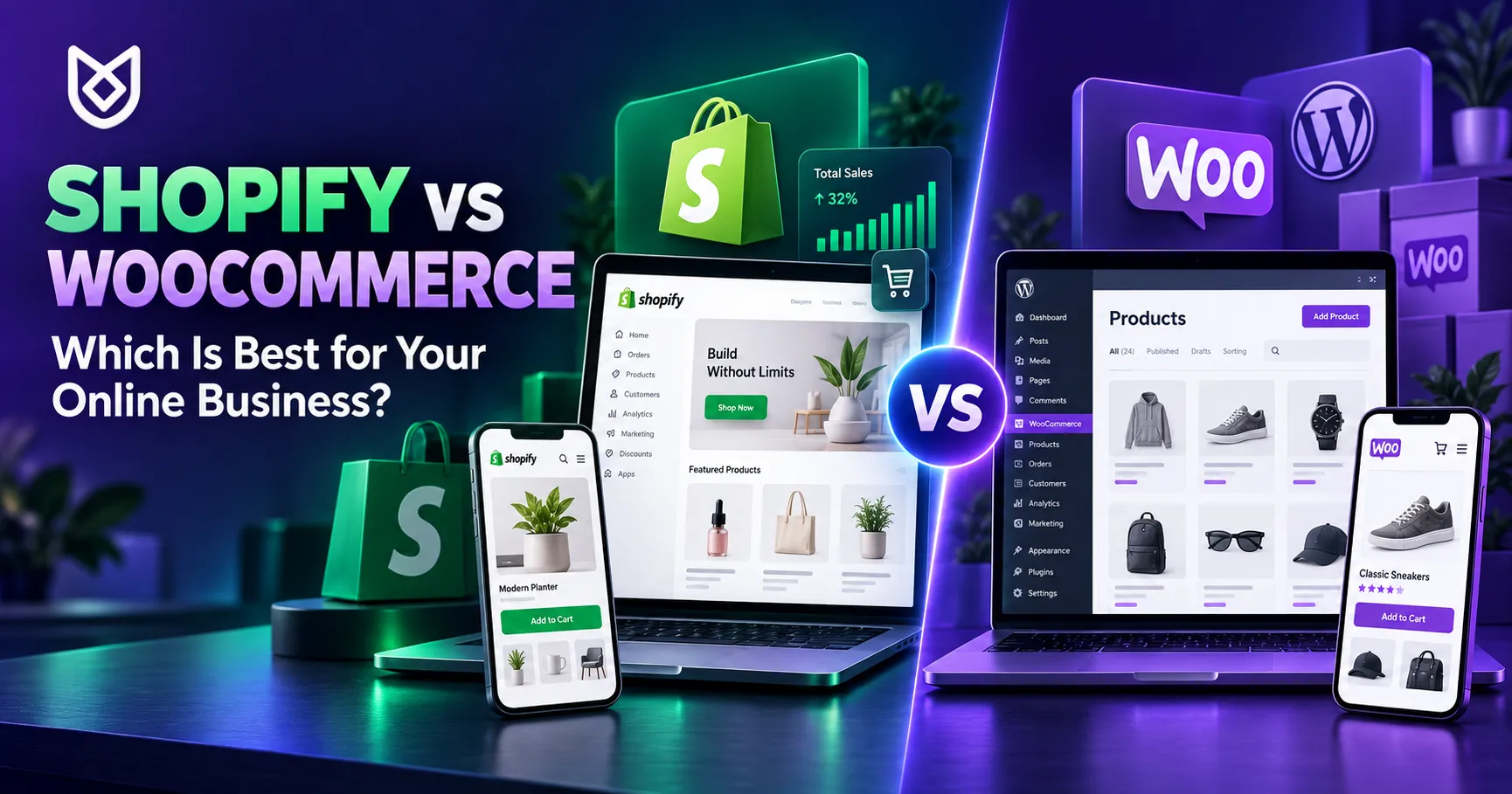
Choosing between Shopify vs WooCommerce is one of the first major decisions you will make when starting an online business. Both platforms can help you display products, accept orders, manage inventory, and grow your sales. However, they provide very different experiences for business owners.
Shopify offers an all-in-one hosted platform that handles much of the technical work for you. WooCommerce is an open-source e-commerce plugin built for WordPress, giving you greater control over your website, hosting, design, and functionality.
There is no single platform that is best for every business. The right choice depends on your budget, technical knowledge, payment requirements, customization needs, and long-term plans.
This guide compares Shopify and WooCommerce across the areas that matter most to an online business.
Shopify vs WooCommerce: A Quick Overview
Shopify is a subscription-based e-commerce platform. Hosting, security certificates, software maintenance, inventory tools, and checkout features are included in the service. You pay a monthly or annual subscription and manage your store through Shopify’s dashboard.
WooCommerce works differently. The core WooCommerce plugin can be installed on a WordPress website without a software licence fee. However, you must arrange a domain name, hosting, security, maintenance, and any premium themes or extensions your store requires.
In simple terms:
- Shopify offers convenience and simplicity.
- WooCommerce offers flexibility and ownership.
Neither approach is automatically better. Your business needs should guide the decision.
Shopify vs WooCommerce: Ease of Use

Shopify is generally easier for beginners. After creating an account, you can select a theme, add products, configure delivery, connect a payment method, and begin building your store.
The platform manages hosting, software updates, and most technical security tasks. You do not need to install WordPress, configure a server, or manually maintain the core e-commerce software.
WooCommerce requires more initial setup. You need a domain, hosting account, WordPress installation, theme, WooCommerce plugin, security configuration, backups, and payment-gateway integration.
This additional work gives you greater control, but beginners may need assistance from a WordPress developer.
Best for ease of use: Shopify
Best for technical control: WooCommerce
Shopify vs WooCommerce: Cost Comparison
Cost is more complicated than comparing a Shopify subscription with the free WooCommerce plugin.
Shopify Costs
Shopify charges a recurring subscription. Its official plans include Basic, Grow, Advanced, and Plus. The price depends on the selected plan and whether you pay monthly or annually.
At the time of writing, Shopify lists annual-plan prices beginning at approximately $29 per month for Basic. Additional costs may include:
- Premium themes
- Paid applications
- Domain registration
- Third-party payment processing
- Transaction fees
- Custom development
- Marketing services
Prices and features can change, so check the official Shopify pricing page before making a decision.
WooCommerce Costs
The core WooCommerce plugin is free, but operating a professional store is not completely free. Common expenses include:
- Domain registration
- Website hosting
- Premium theme
- Security and backups
- Paid extensions
- Payment-gateway fees
- Developer charges
- Website maintenance
A small WooCommerce store can be affordable when it uses reliable hosting and only a few extensions. A complex store may cost more if it requires custom functionality, advanced hosting, subscriptions, bookings, multilingual content, or specialized integrations.
Best for predictable platform pricing: Shopify
Best for controlling individual expenses: WooCommerce
Design and Customization
Shopify provides professionally designed themes that can be customized through its visual editor. This makes it easy to change colours, typography, banners, product sections, and basic layouts.
However, advanced customization may require knowledge of Shopify’s Liquid template language or assistance from an experienced developer. Some checkout customizations may also depend on the selected Shopify plan.
WooCommerce offers greater design freedom because it runs on WordPress. You can use a WooCommerce-compatible theme, a visual page builder, custom PHP, CSS, JavaScript, or a completely custom theme.
Developers can modify product pages, checkout processes, customer accounts, filters, and other store features. This flexibility is valuable for businesses with unusual requirements, but extensive customization must be managed carefully to maintain performance and compatibility.
Best for quick professional design: Shopify
Best for advanced customization: WooCommerce
Shopify vs WooCommerce for Payment Gateways
Payment-gateway availability is especially important for Sri Lankan businesses.
Shopify Payments is available only in supported countries. Sri Lanka is not currently listed on Shopify’s official supported-country page, so Sri Lankan businesses generally need to connect an available third-party payment provider.
Using a third-party gateway may involve gateway charges and additional Shopify transaction fees, depending on your plan and configuration. Confirm the complete fee structure before launching your store.
WooCommerce gives developers more freedom to integrate local and international payment gateways. Available options depend on the bank, gateway provider, supported plugins, and technical requirements.
Before selecting either platform, confirm:
- Whether the gateway accepts Sri Lankan businesses
- Which currencies it supports
- Whether LKR payments are available
- Its setup and transaction fees
- Settlement times
- Refund procedures
- Recurring payment support
- Plugin or API compatibility
Read Shopify’s official supported countries for Shopify Payments and speak with your chosen payment provider before development begins.
Best choice for payments: Depends on your country and gateway. WooCommerce may provide more flexibility for custom Sri Lankan payment integrations.
Product and Inventory Management
Both platforms allow you to add products, variations, images, prices, stock quantities, and categories.
Shopify provides a polished inventory-management experience inside one dashboard. It is well suited to business owners who want to manage products and orders without handling technical settings.
WooCommerce also provides strong product-management tools. It supports physical products, digital downloads, variable products, grouped products, and external products. Additional extensions can add bookings, memberships, subscriptions, wholesale pricing, and other capabilities.
Shopify feels more consistent from the beginning. WooCommerce can become more powerful when properly customized.
Shopify vs WooCommerce for SEO
Both platforms can rank well on Google when the website is professionally built and contains useful content.
Shopify includes essential SEO features such as editable page titles, meta descriptions, image alt text, sitemaps, redirects, and mobile-friendly themes. However, some technical areas have platform limitations, including parts of the URL structure.
WooCommerce benefits from the wider WordPress SEO ecosystem. Plugins such as All in One SEO can help manage titles, descriptions, schema markup, sitemaps, social sharing, and other optimization settings.
WordPress also provides greater control over blog content, landing pages, categories, internal links, and URL structures.
Whichever platform you choose, SEO success still depends on:
- Useful product descriptions
- Original category content
- Keyword research
- Fast page loading
- Mobile responsiveness
- Image optimization
- Internal linking
- Technical SEO
- Quality backlinks
- Helpful blog content
Best for simple built-in SEO: Shopify
Best for advanced content SEO control: WooCommerce
Performance, Hosting and Security
Shopify manages hosting, server maintenance, SSL certificates, and platform-level updates. This is a major benefit for business owners who do not want to manage technical infrastructure.
Because Shopify controls the hosting environment, you cannot independently move the complete store to another hosting provider.
With WooCommerce, performance depends on your hosting, theme, plugins, database, images, and website configuration. A badly configured WooCommerce site can become slow, but a properly optimized store with good hosting can deliver excellent performance.
WooCommerce store owners are also responsible for software updates, backups, security monitoring, and maintenance. A professional development or maintenance team can manage these responsibilities.
Best for managed hosting and simplicity: Shopify
Best for hosting ownership and control: WooCommerce
Ownership and Portability
WooCommerce gives you extensive control over the website files, database, hosting account, and source code. You can move the store to a different hosting provider and modify its functionality according to your requirements.
Shopify is a hosted service. You own your store content and business data, but the store operates within Shopify’s platform and rules. You can export important data, but you cannot simply transfer the complete Shopify system to another host.
Businesses that prioritize ownership and long-term technical independence may prefer WooCommerce. Businesses that value convenience may be comfortable operating within Shopify’s managed environment.
Apps, Plugins and Integrations
Shopify has a large app marketplace covering marketing, delivery, reviews, subscriptions, accounting, customer service, and other functions.
Installation is usually straightforward, but multiple paid applications can significantly increase your monthly expenses.
WooCommerce has access to thousands of WordPress plugins and WooCommerce extensions. This creates enormous flexibility, but installing too many plugins can affect performance, security, and compatibility.
For both platforms, choose extensions based on genuine business needs. Avoid installing unnecessary tools simply because they are available.
Which Platform Is Better for Small Businesses?
Shopify may be the better choice when you:
- Want to launch quickly
- Prefer a simple dashboard
- Do not want to manage hosting
- Have limited technical knowledge
- Accept its recurring subscription
- Can use a suitable supported payment gateway
WooCommerce may be the better choice when you:
- Already have a WordPress website
- Need advanced customization
- Want control over hosting and data
- Require custom payment integrations
- Depend heavily on content marketing and SEO
- Have access to technical support
- Want to avoid being tied to one hosted platform
Which Platform Is Better for a Growing Business?
Shopify can scale well for businesses that want a managed platform and predictable administration. It is particularly useful for merchants selling across several channels or operating physical and online stores together.
WooCommerce can also scale, but the store needs appropriate hosting, careful development, database optimization, security, and regular maintenance.
A growing business should think beyond its current product count. Consider future requirements such as wholesale ordering, multilingual content, subscriptions, customer portals, accounting connections, delivery integrations, and international payments.
Final Verdict: Shopify vs WooCommerce
The final Shopify vs WooCommerce decision depends on what your business values most.
Choose Shopify if you want an easy-to-manage, hosted platform that handles much of the technical work. It can be a strong option for business owners who want to launch quickly and prefer a predictable system.
Choose WooCommerce if you want deeper control, flexible customization, strong WordPress content features, and the freedom to choose your hosting and integrations.
For many Sri Lankan businesses, WooCommerce may offer greater flexibility for local payment gateways and custom requirements. Shopify can still be an excellent choice when its available gateways, recurring costs, and platform structure suit the business model.
Before choosing, list your products, required payment methods, delivery process, budget, future features, and internal technical skills. The best platform is the one that supports your daily operations and long-term goals—not simply the one that appears easiest on the first day.
Unix Designs develops professional Shopify and WooCommerce stores for businesses in Sri Lanka and international markets. Explore our e-commerce and web development services or view our completed digital projects.
Ready to start your online business? Contact Unix Designs for a free consultation and customized e-commerce quotation.
Unix Designs – Your Digital Growth Partner
Phone: +94 71 176 5173 | +94 77 300 9014
Email: info@unixdesigns.com
Website: www.unixdesigns.com